

From Microchips to Megabytes: How Computers and the Internet Shape Modern Life
The Digital Backbone of Everyday Life
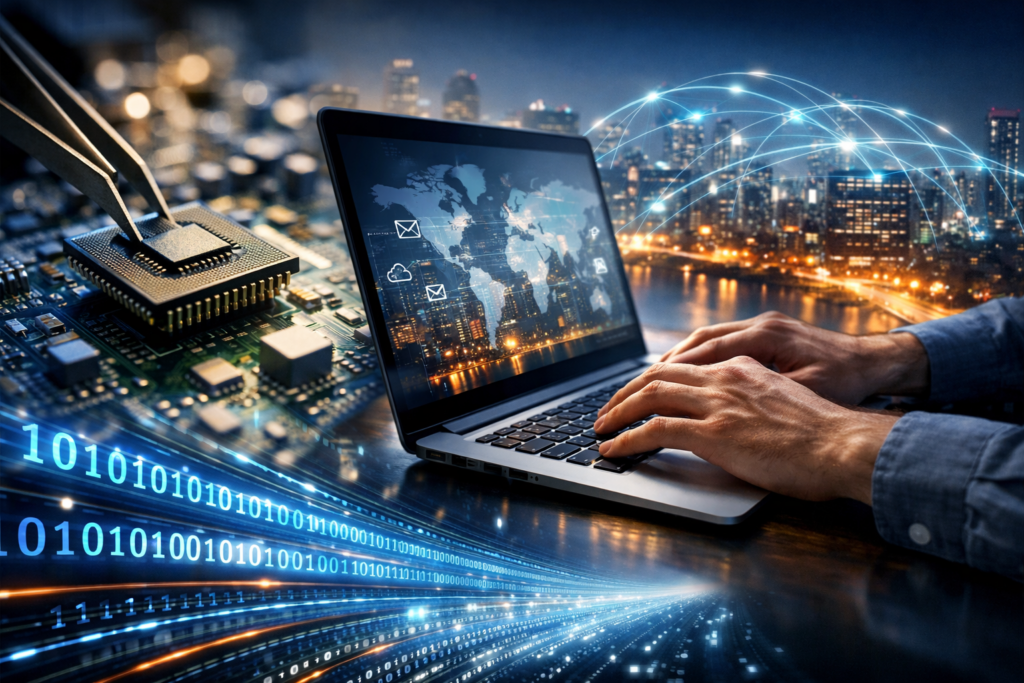
Computers and the internet are now as foundational to modern society as electricity and roads. A computer is a general-purpose machine that processes data according to instructions (software). The internet is a global network that connects millions of devices, allowing them to exchange information using shared rules called protocols. Together, they enable instant communication, on-demand services, and access to knowledge at an unprecedented scale.
Whether you are sending a message, streaming a film, applying for a job, or managing finances, you are relying on layers of hardware, software, and networking working in sync. Knowing the basics helps you troubleshoot problems, evaluate online information, and protect your privacy.
How Computers Work: Hardware and Software in Partnership
A computer can be a desktop, laptop, tablet, phone, or even a tiny embedded device inside a car or appliance. Regardless of size, most computers share the same core components.
Key Hardware Components
- CPU (Central Processing Unit): The “brain” that performs calculations and executes instructions.
- RAM (Memory): Short-term workspace that stores data currently in use; more RAM typically improves multitasking.
- Storage (SSD/HDD): Long-term memory where the operating system, apps, and files are kept. SSDs are faster and more durable than traditional hard drives.
- GPU (Graphics Processing Unit): Handles graphics and parallel workloads; important for gaming, design, and many AI tasks.
- Network Interface (Wi‑Fi/Ethernet): Connects the device to local networks and the internet.
Software: The Instructions Layer
Software includes the operating system (such as Windows, macOS, Linux, Android, or iOS), which manages hardware and provides a platform for applications (web browsers, office tools, games, and creative software). When you click a link in a browser, you trigger a chain of events: the application requests information, the operating system passes the request to network hardware, and data returns to be displayed.
What the Internet Really Is (And What It Isn’t)
The internet is not a single place or a single company. It is a “network of networks,” made possible by internet service providers (ISPs), undersea cables, data centers, routers, satellites, and wireless towers. Devices communicate by breaking information into small pieces called packets, which travel through routers to reach their destination. If one path is congested, packets can take alternate routes.
Core Concepts That Make the Web Work
- IP Addresses: Numerical identifiers for devices on a network (like a mailing address).
- DNS (Domain Name System): Translates human-friendly names (example.com) into IP addresses.
- HTTP/HTTPS: Protocols used by web browsers to request and receive web pages; HTTPS encrypts the connection for security.
- Cloud Computing: Remote servers that store data and run services, enabling access from anywhere.
It also helps to distinguish the internet from the World Wide Web. The internet is the infrastructure; the web is one of many services running on it, alongside email, messaging, online gaming, and file transfer.
Why Computers and the Internet Matter
The combined impact of computing and connectivity can be seen across nearly every field. Businesses coordinate global supply chains. Students attend classes remotely. Hospitals use digital records, imaging, and telemedicine. Creators distribute work directly to audiences. Communities organize faster, and individuals can learn new skills with a few searches and tutorials.
Everyday Benefits
- Communication: Email, video calls, and messaging shrink distance and time.
- Information Access: Search engines and digital libraries make research far more accessible.
- Productivity: Spreadsheets, collaboration tools, and automation reduce manual work.
- Commerce: Online banking, shopping, and digital payments support a 24/7 economy.
- Creativity and Entertainment: Streaming, gaming, music production, and digital art thrive online.
Digital Safety: Privacy, Security, and Smart Habits
Connectivity brings convenience, but it also introduces risks. Cybercriminals exploit weak passwords, outdated software, and social engineering tricks to steal money or personal information. Even outside malicious activity, everyday tracking and data collection can erode privacy if left unmanaged.
Practical Steps for Staying Safer Online
- Use strong, unique passwords and a password manager to store them securely.
- Enable multi-factor authentication (MFA) on email, banking, and social accounts.
- Keep systems updated to patch security vulnerabilities in operating systems and apps.
- Watch for phishing: verify senders, avoid urgent “act now” links, and double-check URLs.
- Review privacy settings on devices, browsers, and social platforms; limit unnecessary permissions.
- Back up important files to protect against device failure or ransomware.
Security is not just about tools; it is also about judgment. Treat unexpected attachments, “too good to be true” offers, and unfamiliar login prompts as signals to slow down and verify.
Connectivity and Access: The Digital Divide
Not everyone benefits equally. Reliable internet, modern devices, and digital literacy vary widely by geography, income, and infrastructure. This gap—often called the digital divide—affects education, job opportunities, healthcare access, and civic participation.
Efforts to close the divide include expanding broadband networks, improving affordability, offering public Wi‑Fi, and providing digital skills training. As more essential services move online, access becomes not just a convenience, but a requirement for full participation in society.
The Road Ahead: Trends Shaping the Next Internet Era
The future of computers and the internet is being shaped by faster networks, smarter software, and new ways to connect. Artificial intelligence is becoming a standard feature in tools for writing, coding, design, and customer support. Edge computing pushes processing closer to where data is generated—useful for real-time applications like autonomous systems and industrial monitoring. Meanwhile, stronger encryption and evolving regulations are reshaping how data is protected and governed.
As these technologies advance, the most valuable skill may be the ability to learn and adapt: understanding the basics, questioning sources, protecting your data, and using technology intentionally rather than automatically.
Conclusion
Computers provide the power to process and create, while the internet provides the ability to connect and share. Together, they have transformed how we work, learn, shop, and communicate. By understanding core concepts and practicing good digital habits, individuals can make the most of technology while reducing risks—turning a complex digital world into a tool for opportunity, creativity, and informed living.